 Before
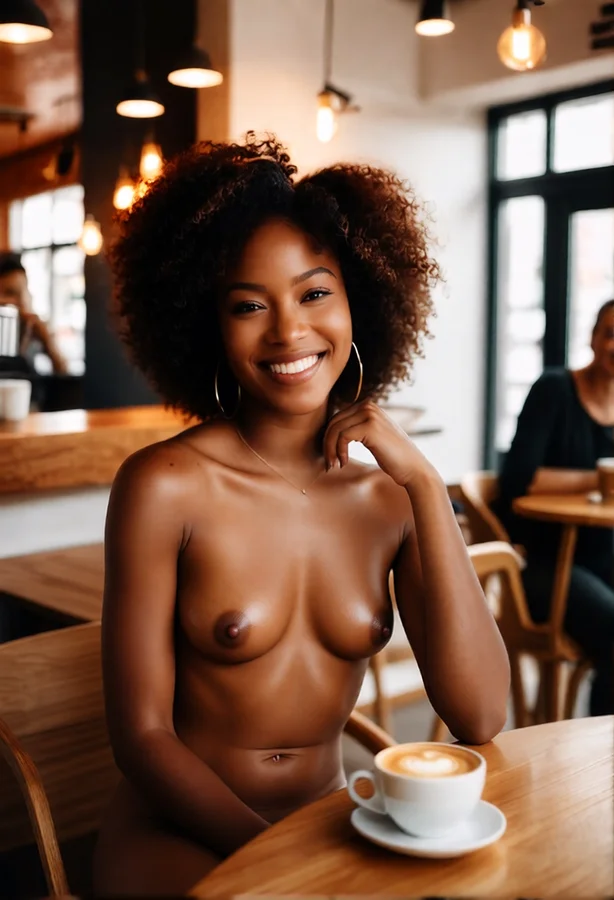 After
AfterBefore & after — AI result in under 3s
Step 1 - Upload Your Photo: Click "Nudify Now" and upload any JPG, PNG, or WebP photo up to 10MB. You can also paste a URL or drag-and-drop directly onto the app. For best results, use a high-resolution photo with clear, well-lit subject.
Step 2 - Choose a Style: Browse our multiple AI styles ranging from tasteful to explicit. You can also pick a colour for garments that remain, or enter a custom text prompt for full creative control.
Step 3 - Get Your Result: Hit Create and our AI gets to work. In under 10 seconds your nudified image is ready to view, save, or share. Compare before and after with the built-in slider.
Your input photo is automatically deleted within 24 hours. Your results are stored privately in your gallery and only visible to you.